For portable downloads and testing releases see the downloads page.

News:

Programmer’s Notepad 2.1.4 Released

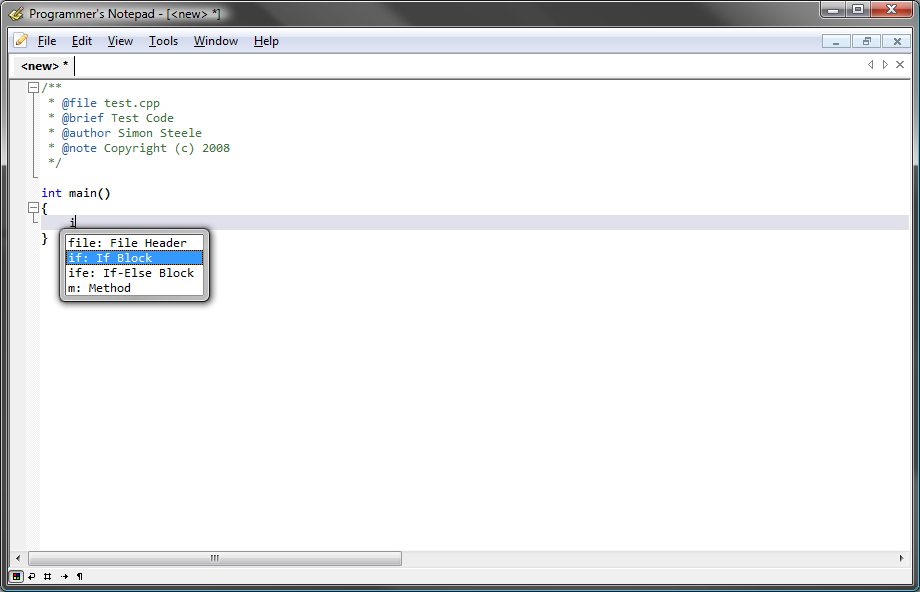
A new testing release, Programmer’s Notepad 2.1.4 has been released to Google Code. This release fixes a bunch of bugs, and brings improvements to the text clips syntax – more details on my blog.

Changes in 2.1.4:

  1. Replaced the text clip parser with a brand new one, supporting placeholders and variables
  2. Documentation for the updated text clips syntax on the documentation site: Text Clips (note your clips may need updating).
  3. Allow text clip insertion using tab.
  4. Update tagging to use CTags 5.8, add support for new ctags languages, including batch, matlab, ocaml, …
  5. Custom scheme (schemedef improvements) including case sensitive option and various fixes and optimisations – thanks to Lennard Fonteijn
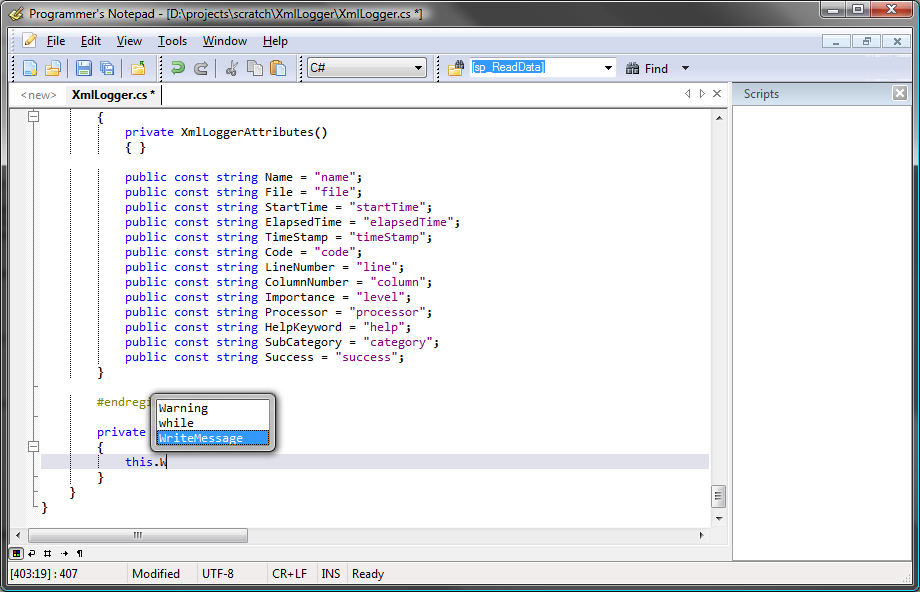
  6. Autocomplete fixes, better support for mixed tag and keyword autocomplete, again thanks to Lennard
  7. Updated Scintilla to version 2.11
  8. Distributed clips updated for new syntax

Downloads:
Download 2.1.4 Installer
Download 2.1.4 Portable
Download 2.1.4 Multi-Language

Thanks to all contributors, translators and testers for their help with this release.

Programmer’s Notepad 2.1.3 Released

A new testing release, version 2.1.3, has been released to Google Code. This release fixes a bunch of bugs, but more importantly contains a complete rewrite of the Text Clips UI and Management/Editing features.

Changes in 2.1.3:

  1. Complete re-write of text clips view and clips management system
  2. End clip entry on final empty field (experimental)
  3. Smart highlight range now limited to field of view +/- 200 lines, improves speed and usability with large files.
  4. Translations now fed directly from user translation project at pnotepad-twrans.googlecode.com
  5. Switch to boost 1.42

Downloads

Download 2.1.3 Installer
Download 2.1.3 Portable
Download 2.1.3 Multi-Language

Thanks to all those who test these builds and provide feedback via the forums or bugs, I hope you’re enjoying the 2.1 releases!

Programmer’s Notepad 2.1.2 Released

A new testing release, version 2.1.2, has been released to Google Code. The major new feature in this release is Code Template Fields, but there have been a lot of other changes too:

  • Code Template Fields
  • Cleaner visual style for the document tabs
  • Added line padding options, allows more whitespace between lines
  • Switch to Scintilla’s built-in line length measurement
  • Removed some 3D styling bits to clean up the look of the editor, more to do.
  • New tab text changed from to Untitled
  • -z parameter now assumes a single file after the -z, designed for notepad replacement.
  • Updated to latest Scintilla bits for some multi-caret fixes
  • Fixed a couple of regular expression issues.
  • Fix tools options tab titles.
  • Made SmartHighlight more visible, less alpha blending

In case you haven’t used a 2.1 build yet, here are the other headline features in the testing builds:

  1. Full Unicode Support
  2. Support for Translations – PN in your language
  3. Prototype Command Bar feature (with PyPN)
  4. Multiple simultaneous selections, including typing into block selections
  5. Virtual space

Downloads:

Download 2.1.2 Installer
Download 2.1.2 Multi-language Installer
Download 2.1.2 Portable

New Stable Release

There have been no show-stopping issues found in 2.0.10.1010 so I’m very happy to finally declare a new stable release. There will probably be an update for this build at some point in the near future to fix a couple of minor issues and also to test the auto-update system for stable release users.

If you’ve been holding off from testing releases, now is a great time to download the new stable release!

Thanks to all the testers, forum users, bug reporters and patch submitters for making 2.0.10 a great release. If you’re still using 2.0.8 here are some of the highlights:

  1. Vastly improved regular expressions support
  2. Explorer view
  3. Open files view
  4. Vista-behaviour improvements
  5. Win7 Support
  6. API file autocomplete
  7. SDK for building extensions
  8. Style presets
  9. Macro/Script recording with PyPN
  10. Smart Highlight to show all instances of selected word
  11. Loads of bug fixes, and a bunch more new features